
monday AI bundles the AI capabilities of the monday.com platform — monday magic as the AI-powered productivity layer in boards, docs, and automations, and monday sidekick as the conversational agent that executes actions inside monday. As a certified monday.com partner, we help organizations select use cases, implement, govern, and scale monday AI.
This page gives you the overview: what monday AI does, where it delivers the most leverage in work management, CRM, service, dev, and campaigns, which services we offer around AI use cases, and how we factor in GDPR and EU AI Act requirements from day one.
monday AI is cross-functional by design: the same AI building blocks are available in monday work management, monday CRM, monday service, monday dev, and monday campaigns — what you design once can be reused across the entire organization.
What is monday AI?
monday AI is the AI layer of the monday.com platform. Unlike external AI assistants like ChatGPT or Copilot in a browser tab, monday AI is integrated directly into the work objects — boards, items, columns, docs, automations, dashboards. The AI knows the context: who’s responsible, what status, what data is in neighboring columns, what history the item has.
The capability surface is structured into two brand building blocks:
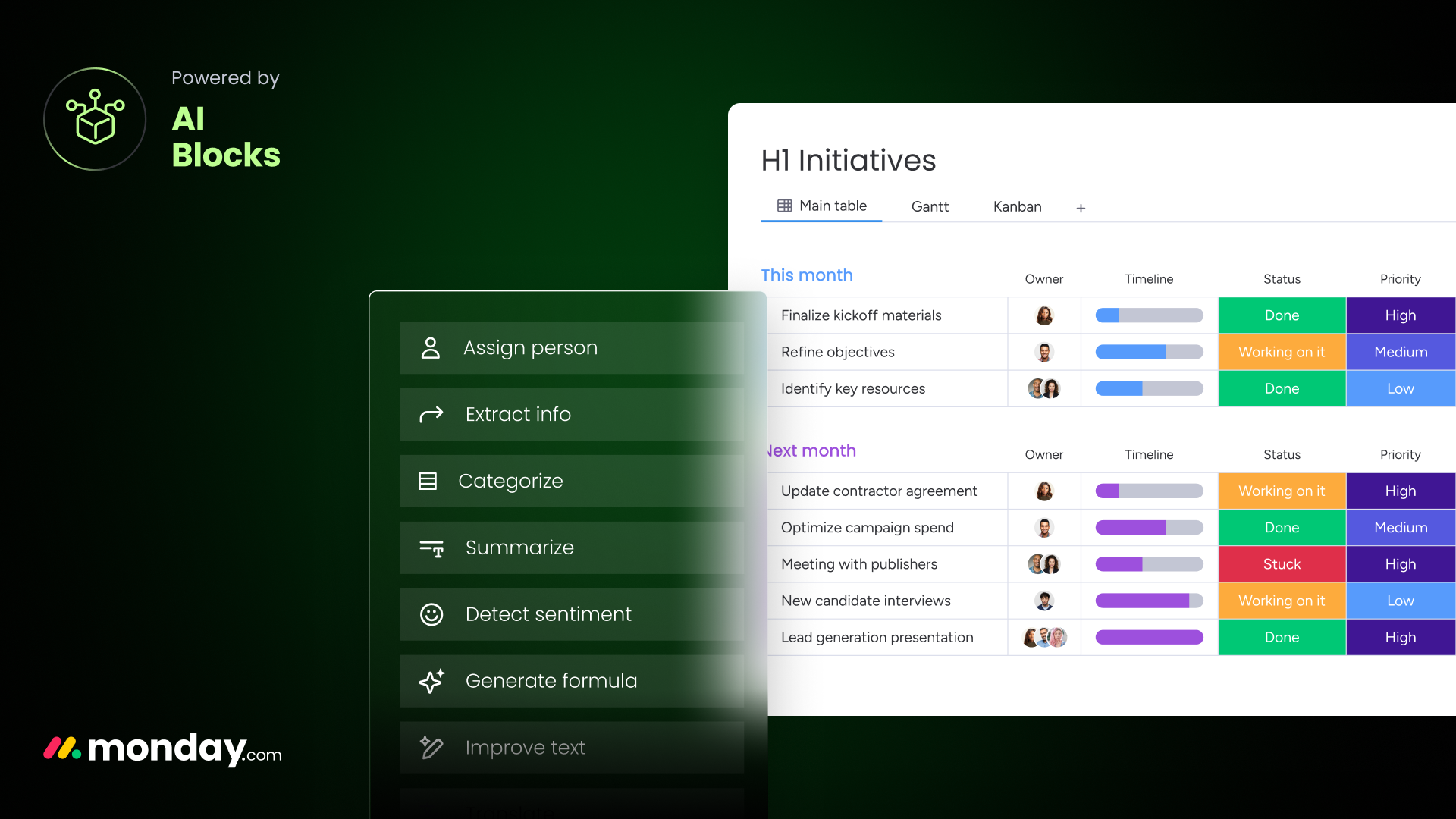
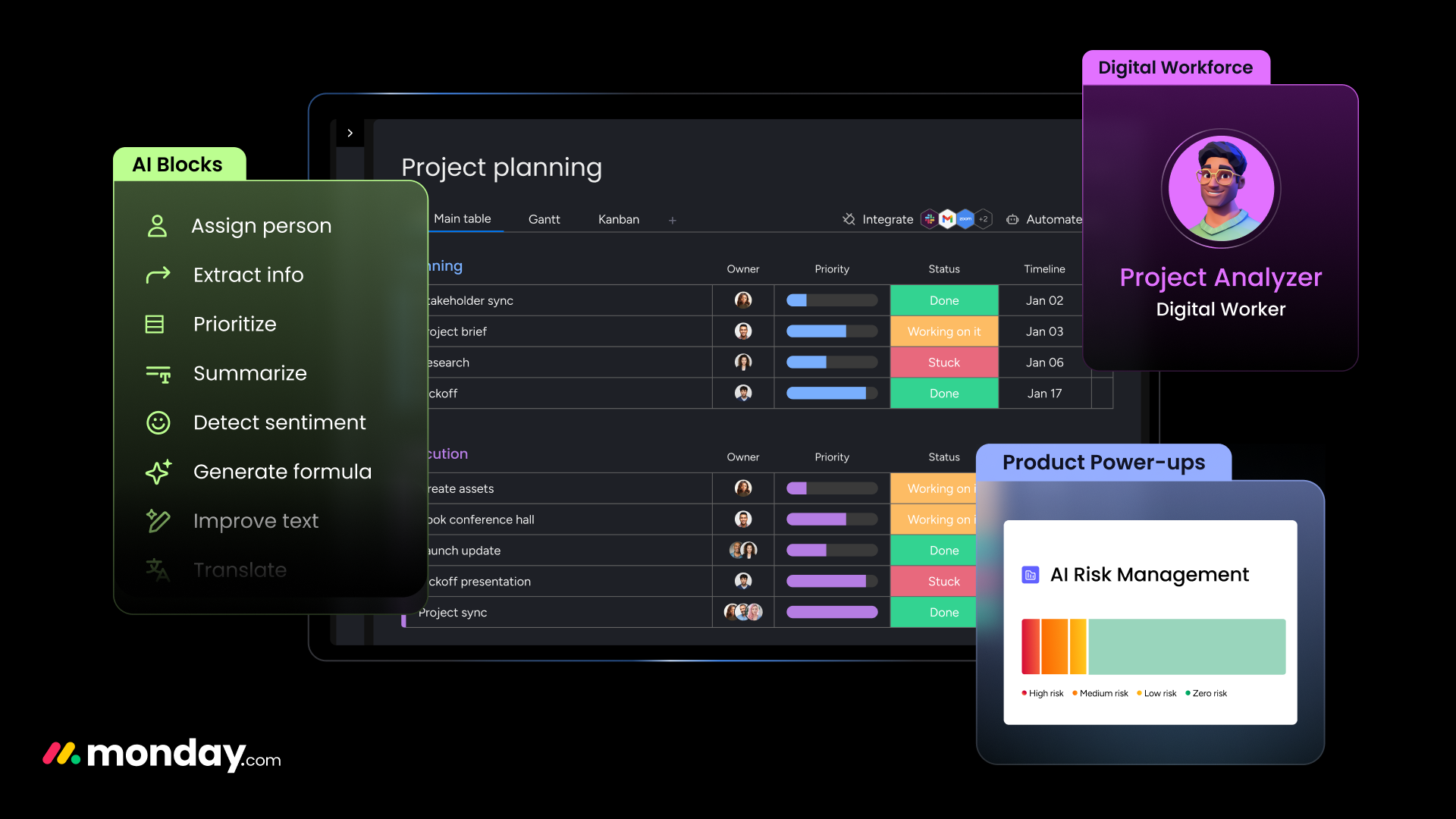
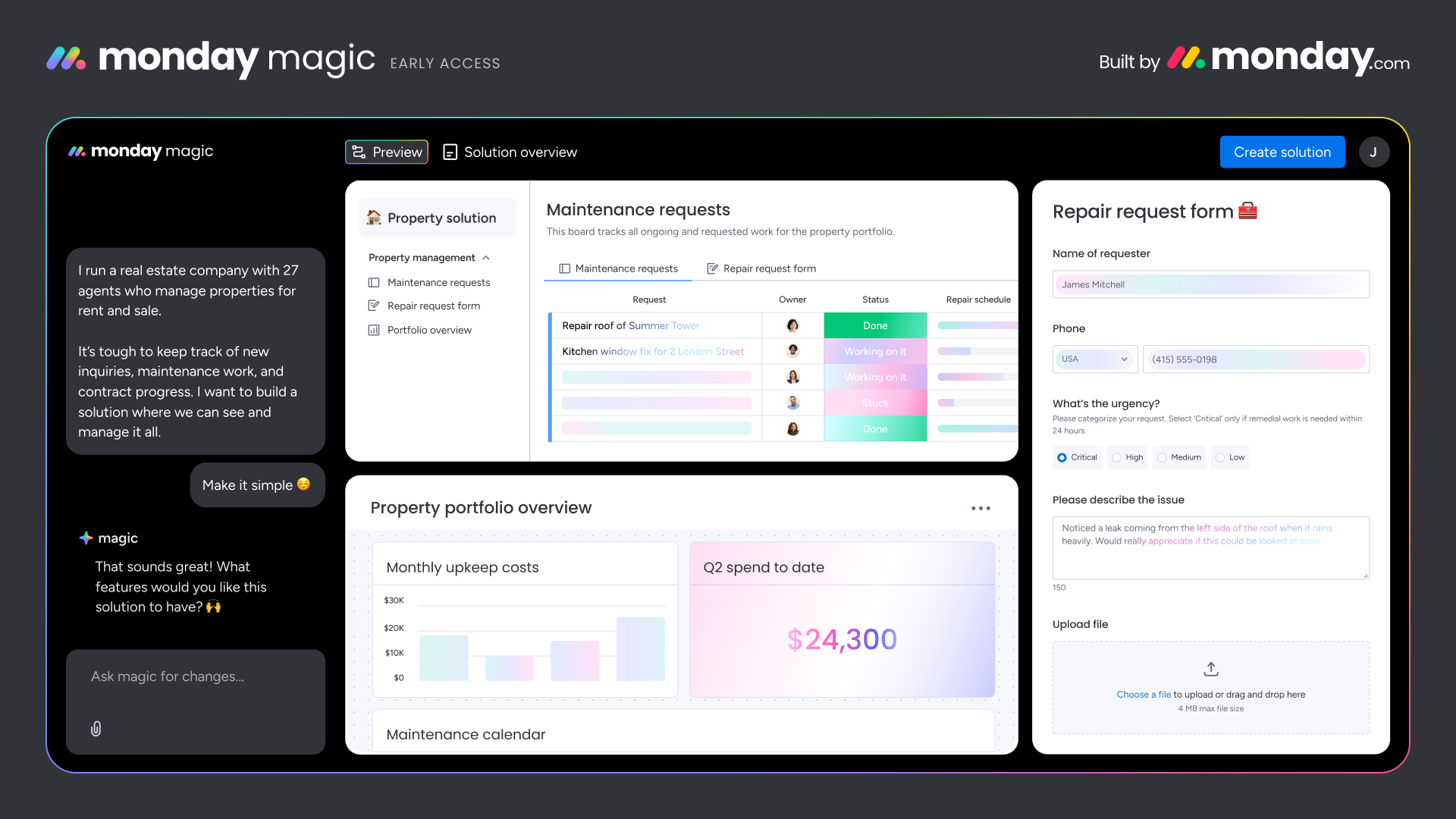
- monday magic — AI capabilities used as building blocks in boards and docs: AI columns that generate, classify, summarize, translate, or extract content; AI doc assistants that draft and rewrite text; AI automations that execute AI actions on trigger events (e.g. determine ticket category, write summary, draft follow-up).
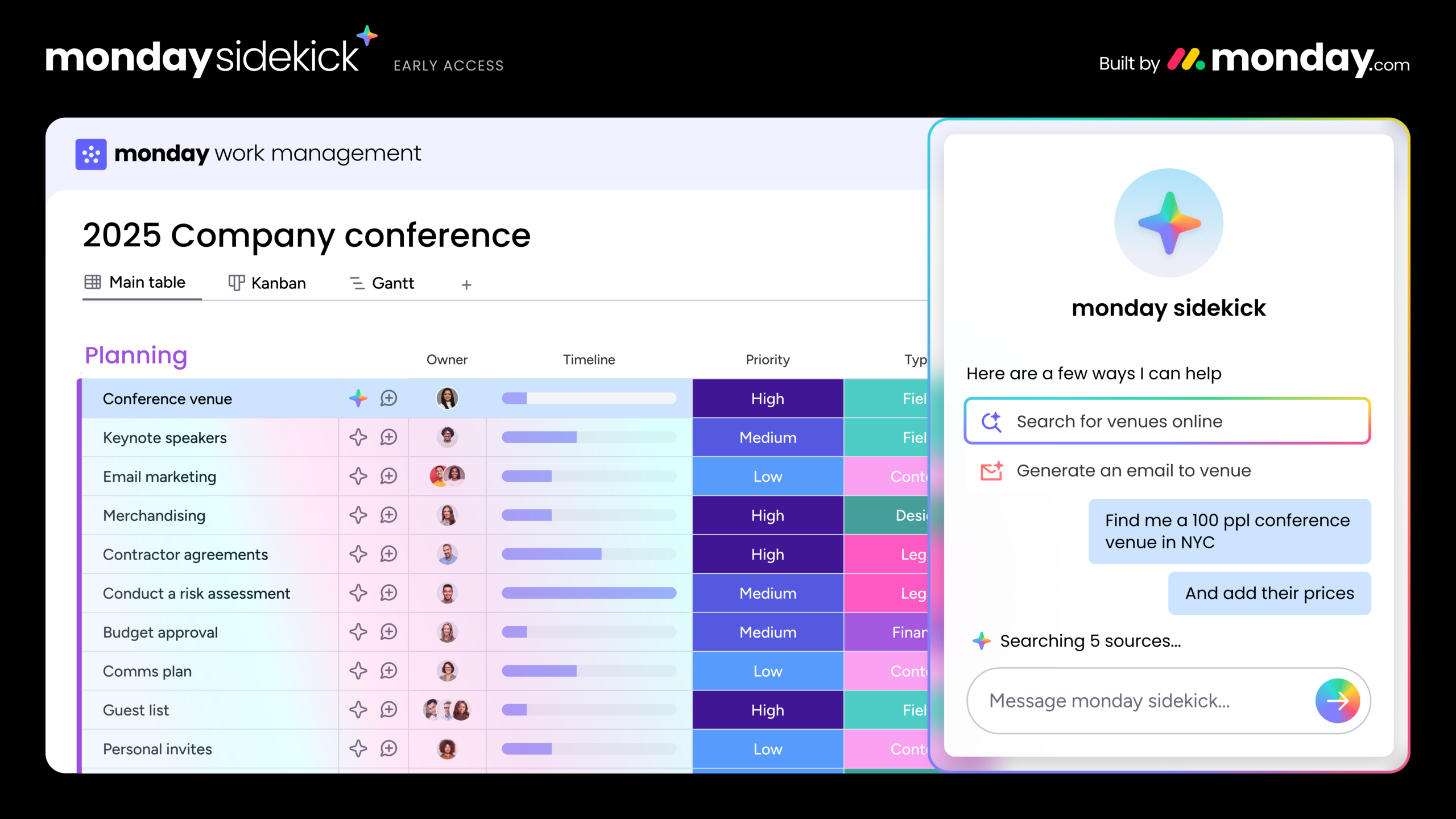
- monday sidekick — the conversational AI agent. Instead of click navigation, users give instructions in natural language: create boards, update items, retrieve evaluations, generate content, kick off routine steps. sidekick acts as a central entry point for team members who don’t need to know every monday click path.
Both building blocks run on the same AI engine and share governance, permissions, and data residency. Configure once, use in every monday product.
Compared to alternative AI surfaces, monday AI positions itself differently:
- Versus generic AI assistants like ChatGPT, Claude, or Copilot in a browser tab, monday AI has direct access to board context and can execute actions — not just generate text. No copy-paste between tool and AI window.
- Versus in-product AI in other work-management and CRM platforms (e.g. Asana Intelligence, ClickUp AI, HubSpot Breeze, Salesforce Einstein/Agentforce), monday AI is cross-product by design: the same AI setup covers project, sales, service, and dev workflows, instead of one isolated AI silo per tool.
- Versus custom-built AI workflows on top of OpenAI API, LangChain, or similar, monday AI is significantly faster to deploy — at the cost of less deep customization. For most business use cases, that’s the right trade-off.
Where monday AI delivers the most leverage
Six application areas show where monday AI can deliver value across products — not just in a single silo:
- Status summaries in monday work management. AI summarizes project updates, sprint status, or backlogs and generates reports for steering boards — project leads save the manual writing effort.
- Lead scoring and follow-up drafts in monday CRM. AI columns classify incoming leads by fit and intent; sidekick drafts personalized follow-up emails based on deal history.
- AI Service Workforce in monday service. A team of AI agents resolves recurring requests autonomously, suggests responses and context for service reps, and routes more complex cases to the right person — based on knowledge base, ticket history, guardrails, and workflow logic. Every AI action is visible, traceable, and auditable.
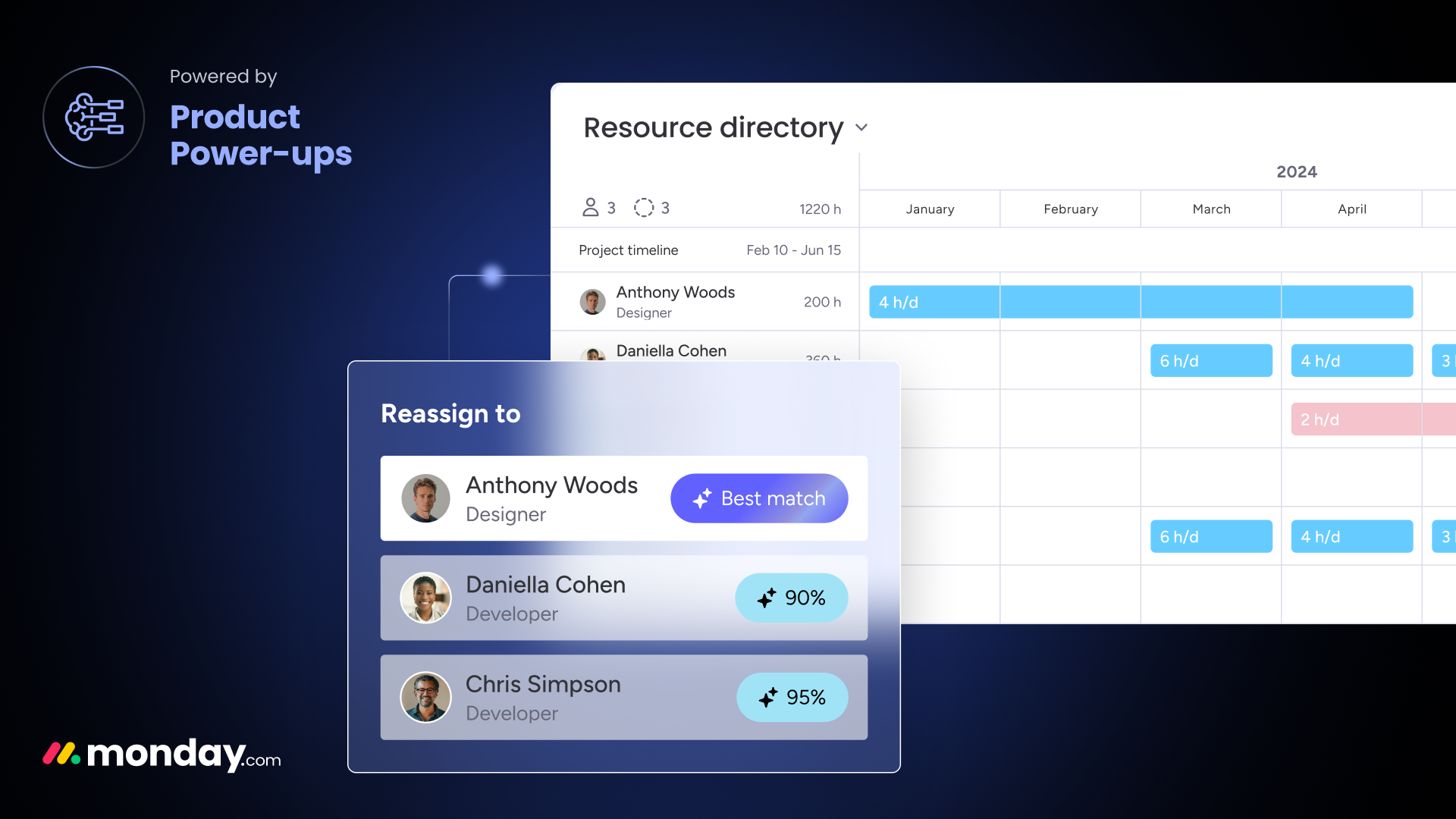
- AI across the entire dev lifecycle in monday dev. AI summarizes updates, generates tickets, drafts acceptance criteria, routes work, predicts risks, supports sprint planning, and powers AI agents that complete tasks end-to-end in the workflow.
- AI Campaign Builder in monday campaigns. A complete campaign setup emerges from a brief — channels, asset briefings, approval stages — as a starting point for creative and MarOps teams.
- Cross-functional doc work. In monday Docs, AI drafts, summarizes, and translates content; the doc assistant knows linked boards and can include item data directly.
Each of these use cases can be implemented as a standalone first AI release — without rebuilding the entire platform. Start where the manual effort is most painful today.
Functions and features
monday AI provides six function groups that can be used in every monday product. The most important building blocks:
AI columns (monday magic columns)
- Generate — produces text based on prompts and neighboring column content (e.g. product descriptions, follow-up drafts, customer responses).
- Summarize — condenses longer content (comments, linked docs, ticket threads) into 2–3 sentences.
- Classify / categorize — assigns items to predefined categories (lead stage, ticket category, risk level, content type).
- Sentiment — analyzes sentiment in feedback, customer comments, review text, or ticket descriptions.
- Translate — translates content between languages, particularly relevant for multi-country teams.
- Extract — pulls structured data from unstructured content (e.g. budget figures from email text, contacts from lead descriptions).
AI automations
- Trigger-AI-action recipes — on events (item created, status changed, comment added), monday AI executes configurable actions: set category, write summary, draft notification, suggest next step.
- AI as a step in multi-step automations — AI actions can be chained with classic no-code automations: AI classifies → automatic routing rule fires.
AI in monday Docs
- Auto-formulate, rewrite, summarize, translate — directly in the document via slash command or side panel.
- Board context inclusion — the doc assistant knows linked boards and can incorporate item data, status values, and ownership directly into generated text.
monday sidekick (conversational agent)
- Natural-language commands — “Show me all open deals over €50,000 with close date next month”, “Create a sprint status summary for the engineering team”, “Write a follow-up to account XY”.
- Action execution — sidekick can create items, update fields, write comments, send notifications — not just retrieve information.
- Entry point for occasional users — team members who don’t need to know every click path in monday work via sidekick; power users continue to use the classic UI.
Cross-product AI
- Unified AI setup layer — a prompt or AI column design is reusable in work management, CRM, service, dev, and campaigns.
- Cross-product workflows — AI actions that combine boards from multiple products (e.g. Closed-Won deal in CRM triggers AI-generated onboarding project plan in work management).
Governance and security
- Permissions — granular control over which roles may trigger AI actions; which boards are open for AI access.
- Audit logs — every AI action is traceably logged (trigger, prompt, model, timestamp).
- Data residency — EU regions for monday data available; prompts and AI responses are not used for model training outside your environment.
- Model selection — monday uses established foundation models; details on providers, regions, and retention are part of monday’s compliance documentation and are agreed with the customer in the discovery phase.
- Enterprise-grade base — SOC 2, ISO 27001, GDPR-compliant (for the monday platform layer); DPA sign-off standard.
Our services for monday AI
We support monday AI projects in six progressive steps. Depending on maturity and use-case complexity, we combine the services modularly:
- AI use-case discovery. We identify where AI actually saves time in your processes — and where it just generates noise. The result: a prioritized backlog of 5–10 AI use cases with estimated effort and business impact, clustered by monday product.
- Prompt engineering and AI column design. Concrete prompts, fallback rules, input and output formats for AI columns; iterative testing and tuning against real board data; documentation as a prompt library for reuse.
- AI workflow implementation (cross-tool). Implementing the prioritized use cases — as AI columns, AI automations, sidekick scenarios, and where needed, connected cross-tool via Make.com, Zapier, or the monday GraphQL API with Microsoft 365, Salesforce, HubSpot, or your own data sources.
- Governance and compliance setup. GDPR check for generative AI (DPA, prompt data, personal data), EU AI Act categorization of use cases, permission and audit concept, transparency notices for end users. We work closely with your data protection and IT security teams.
- Enablement and change management. Training for end users, power users, and admins; building an AI operating model (who may change prompts, who reviews AI output, how feedback is fed back); communication against AI skepticism and unrealistic expectations.
- Monitoring and iteration. Measuring AI usage, output quality, and savings; regular prompt reviews; expansion with new use cases once the core is stable.
The approach is iterative: first productive AI use cases in three to five weeks, further extensions as needed. AI projects are not set up as big bang — we learn with your team through concrete use.
Why antegma as your partner for monday AI
Iterative methodology
First productive AI use cases in three to five weeks. Scaling follows once the first cases are proven — AI projects without measurable impact are stopped, not rolled out broadly.
Local presence
Consulting and implementation in German and English, with teams in Munich and St. Georgen. Data processing in the EU, one time zone, one legal framework — relevant for generative AI and personal prompts.
GDPR and EU AI Act readiness
We know the requirements from GDPR, DPA sign-off, and EU AI Act categorization. Governance, transparency, and audit concepts are built alongside the implementation, not after the fact.
Cross-product architecture
monday AI is only powerful when use cases are designed cross-functionally. We think AI setups across work management, CRM, service, dev, and campaigns — a shared prompt library instead of isolated AI silos.
AI implementation experience
We have implemented enterprise AI use cases in marketing, operations, and IT contexts — from structured prompt engineering to AI workflow automation to governance. We bring that experience into monday AI.
Certified monday.com partner
antegma is officially certified as a monday.com partner. AI setup recommendations, governance patterns, and integration decisions reflect the current state of the platform.
Ready to use monday AI productively?
If you’re rolling out monday AI, want to prioritize concrete AI use cases, or are setting up governance for generative AI in monday, we start with an initial conversation. The outcome: a prioritized use-case backlog, a realistic effort and impact estimate, and a clear categorization of GDPR and EU AI Act requirements for your cases.
Want to try monday and the AI capabilities yourself first? Start for free via our partner link.
If a contract is signed via our partner link, antegma receives a referral commission from monday.com. There are no additional costs for you.
Frequently asked questions about monday AI
What is monday AI?
monday AI is the AI layer integrated into the monday.com platform. It consists of monday magic (AI columns, AI automations, AI capabilities in docs) and monday sidekick (conversational AI agent that executes actions in monday). Both building blocks work in context with board data and are usable across all five monday products — work management, CRM, service, dev, campaigns.
What's the difference between monday magic and monday sidekick?
monday magic are AI building blocks embedded in boards and docs: AI columns that generate, classify, or summarize content; AI automations that trigger AI actions on events; AI capabilities in docs. monday sidekick is the conversational agent: users write what they want to do in natural language (query boards, update items, generate content), and sidekick executes the action. magic is infrastructure, sidekick is interface — both access the same AI engine and the same governance rules.
When is monday AI the right choice compared to ChatGPT, Copilot, or Notion AI?
Generic AI assistants like ChatGPT, Claude, or Copilot are strong for open research, writing help, or one-off analyses. But they don’t have context on your monday boards, deals, tickets, or sprints — and can’t execute actions there. monday AI is the better choice when AI should act directly on work objects (update items, attach summaries to boards, draft follow-ups) and when the same AI patterns should be reused cross-product in CRM, service, and dev. In many organizations, both layers complement each other — we advise on which use cases fit better where.
Which models power monday AI? Where are prompts and data processed?
monday AI uses established foundation models (including OpenAI-based models; the exact current state is documented by monday in the Trust Center). Prompts and AI responses are processed within monday’s infrastructure and not used for training public models. EU data residency options are available. In the discovery phase, we review jointly with your data protection team which configuration is required for your use case and DPA requirements.
How does monday AI integrate with our existing stack?
monday AI workflows can be connected to existing systems via the monday GraphQL API, native integrations (Microsoft 365, Salesforce, HubSpot, Slack, DocuSign, Jira, Zendesk, and others), and via automation platforms like Make.com and Zapier. Typical patterns: AI reads CRM data from Salesforce/HubSpot, produces structured outputs in monday (e.g. onboarding projects), and writes results back. The architecture is designed in the discovery phase along your existing tools and data sources.
Which monday AI use cases are worthwhile as a starting point?
The most value at the start usually comes from: status summaries (project or sprint reports from board content), classification (leads, tickets, bugs), and drafting capabilities (follow-up emails, ticket replies, content variants). These use cases have high manual effort, clear input-output patterns, and are easily measurable — ideal for learning what AI delivers in your context. More complex workflows (cross-tool automation, full sidekick agent scenarios) come in later releases, once the team has built AI confidence.
How long does a monday AI use-case implementation take?
A first productive AI use case — such as an AI column for ticket classification or an AI automation for status summaries — is typically implemented and live in three to five weeks. Larger scenarios (multiple AI columns across multiple boards, sidekick configuration for an entire team, cross-tool AI workflows with Make.com or GraphQL API) take correspondingly longer. What matters is an early measurable core — the team learns from it, and further use cases are prioritized against it.
How much does monday AI cost?
monday licenses AI capabilities as an add-on to the monday platform — exact terms depend on user tier (Pro, Enterprise) and AI credits package. Current list prices are on monday.com/pricing. As part of our consulting, antegma helps select the right tier, calculate AI credit consumption realistically, and — where useful — license through the partner channel.
Is monday AI EU AI Act compliant? What do we need to consider?
The EU AI Act distinguishes use cases by risk — most typical monday AI scenarios (summarizing, classifying, drafting text) fall into the “minimal” or “limited” risk category and primarily require transparency notices for end users and clean documentation. High-risk use cases (e.g. AI-supported HR decisions) should not run on generic AI capabilities. We categorize your planned use cases in the discovery phase along the AI Act and put the required transparency, documentation, and governance mechanisms in place — in coordination with your data protection and compliance teams.
How do we prevent AI hallucinations or wrong AI actions in monday?
We combine three levers: (1) Human-in-the-loop design — AI drafts, the human reviews and publishes (especially for customer communication, personal decisions, and financial actions). (2) Tighter prompts and guardrails — AI is scoped to clearly bounded tasks rather than open “do-anything” prompts. (3) Audit logs and monitoring — every AI action is traceable, error rates are measured and feed back into prompt iteration and guardrail adjustments. Governance is built in from the start, not added after the fact.